Azamara PressReader: How to Read Newspapers and Magazines Free Onboard
Cruise ships are increasingly moving everyday information and entertainment onto passengers’ phones and tablets. One useful example aboard Azamara Quest is complimentary access to PressReader through the ship’s Guest Wi-Fi network.
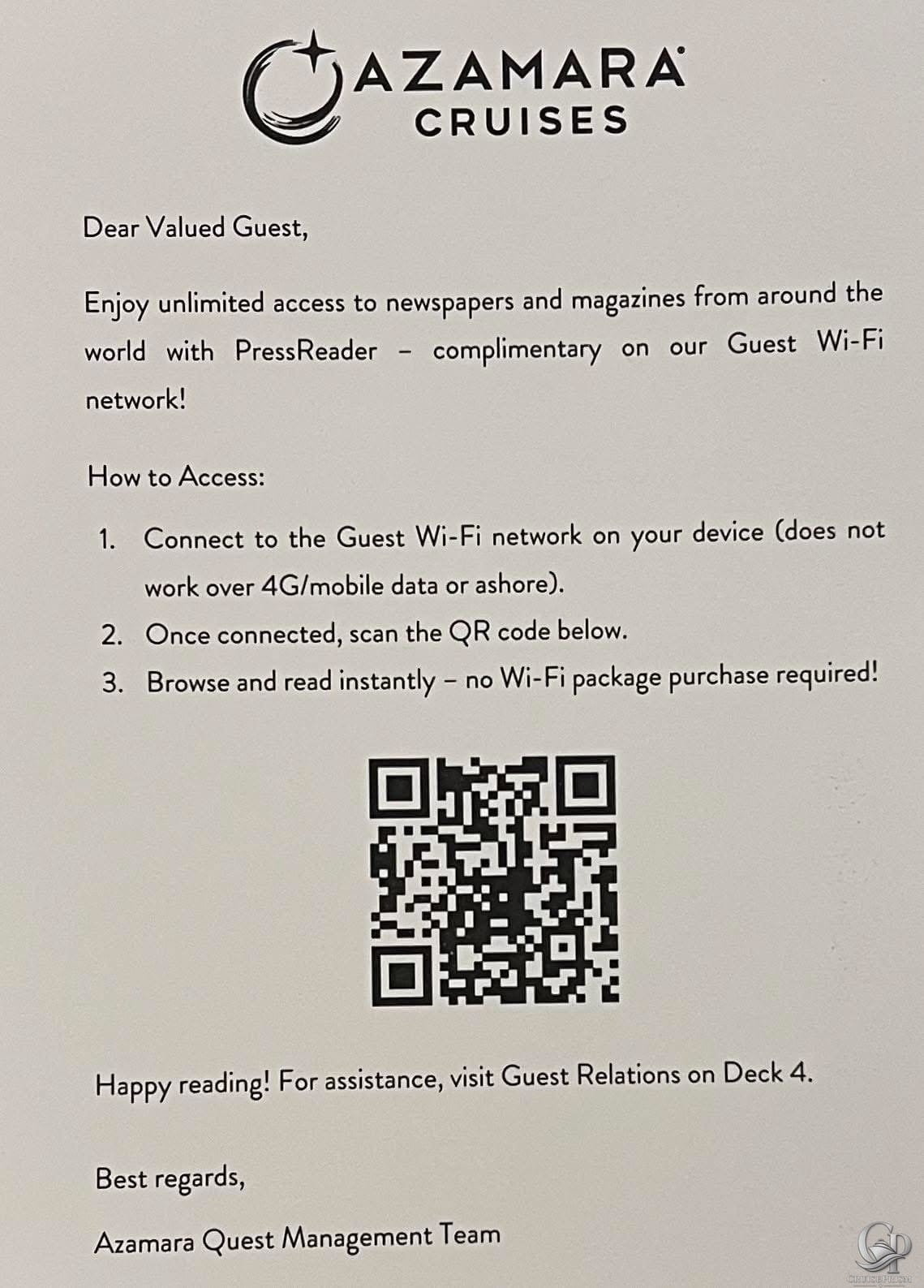
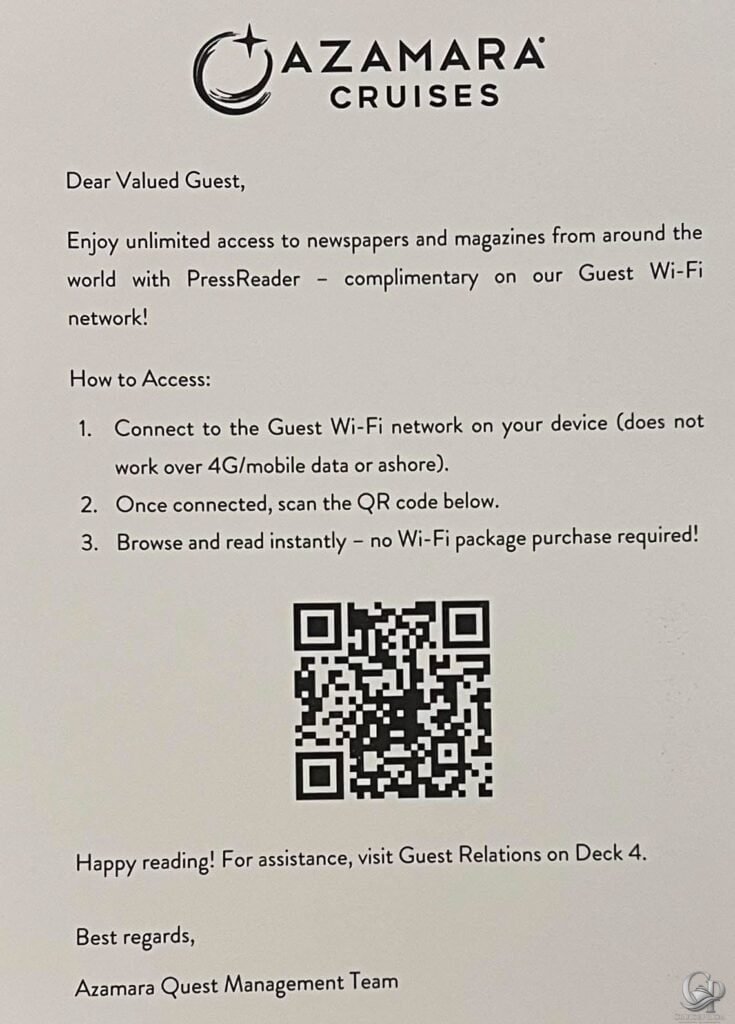
An onboard notice provided to Azamara Quest guests explains that passengers can use PressReader to access newspapers and magazines from around the world. Importantly, the notice says that a paid Wi-Fi package is not required for this particular service.
For anyone preparing for an Azamara Quest cruise, here is what the onboard information says about accessing PressReader and what you need to know before trying it.
What Is PressReader on Azamara Quest?
PressReader is a digital reading platform for newspapers and magazines. According to the notice distributed aboard Azamara Quest, guests have complimentary access to newspapers and magazines through the ship’s Guest Wi-Fi network.
This is particularly useful for passengers who like keeping up with news or reading magazines while cruising but do not necessarily want to purchase an internet package solely for that purpose.
The key distinction in the onboard instructions is that access is provided through the ship’s Guest Wi-Fi network. The notice specifically states that no Wi-Fi package purchase is required.
How to Access PressReader on Azamara Quest
The onboard instructions make the process fairly straightforward.
First, connect your phone, tablet, or other compatible device to the ship’s Guest Wi-Fi network.
Once connected, scan the QR code provided on the onboard PressReader notice. You can then browse the available newspapers and magazines.
The notice specifically warns that the service does not work over 4G/mobile data or while ashore. In other words, simply having the QR code does not mean you can continue accessing the onboard offer away from the ship.
Do You Need an Azamara Wi-Fi Package?
According to the onboard notice, no Wi-Fi package purchase is required to use this PressReader access.
That is an important detail because connecting a device to a cruise ship’s Wi-Fi network and purchasing internet access are not necessarily the same thing.
For PressReader, the instructions tell guests to connect to the Guest Wi-Fi network and then access the service using the QR code. The notice explicitly states:
“no Wi-Fi package purchase required!”
That makes PressReader a useful onboard feature even for passengers who have not purchased general internet access.
Can You Use PressReader Ashore?
The instructions say the complimentary access does not work ashore.
They also specify that it does not work through 4G/mobile data. Guests should therefore expect to access the service while connected to Azamara Quest’s Guest Wi-Fi network rather than through their normal cellular connection.
This is worth remembering if you plan to use PressReader regularly during your cruise.
What Can You Read?
The Azamara Quest notice describes the service as providing access to “newspapers and magazines from around the world.”
The photographed notice does not provide a list of individual publications, so availability of specific newspapers or magazines should not be assumed from this document alone.
Passengers looking for a particular publication can check the available selection after connecting to the service onboard.
Where to Get Help Onboard
If you have trouble connecting, the notice directs guests to Guest Relations on Deck 4 for assistance.
That could be useful if your device is connected to the ship’s network but the QR code or PressReader access is not working as expected.
A Useful Tip Before Your Azamara Cruise
It is easy to assume that connecting to the ship’s Guest Wi-Fi automatically means buying an internet package. This PressReader notice shows why it is worth checking exactly what services are available through the onboard network.
Your Azamara daily program and other information provided onboard can also contain useful details about activities, entertainment, dining, restaurants, shore excursions and schedules. Checking those resources regularly can reveal services or onboard activities you might otherwise miss.
For PressReader specifically, the important points are simple: connect to Guest Wi-Fi, use the onboard QR code and access the reading service without purchasing a Wi-Fi package.
FAQ
Is PressReader free on Azamara Quest?
The photographed onboard notice says PressReader is complimentary on the Guest Wi-Fi network and that no Wi-Fi package purchase is required.
Do I need to buy an Azamara internet package to use PressReader?
Not according to this onboard notice. It specifically says that guests can browse and read without purchasing a Wi-Fi package.
How do I access PressReader aboard Azamara Quest?
Connect your device to the Guest Wi-Fi network and then scan the QR code provided in the onboard notice.
Can I access it using mobile data?
The instructions say it does not work over 4G/mobile data.
Does Azamara PressReader work while ashore?
The notice specifically says the onboard access does not work ashore.
What newspapers and magazines are available?
The notice says newspapers and magazines from around the world are available, but it does not identify individual publications. The available selection can therefore be checked once onboard.
Where can I get help if PressReader isn’t working?
The notice directs Azamara Quest passengers to Guest Relations on Deck 4 for assistance.
Is this information for Azamara Quest?
Yes. The photographed notice is signed by the “Azamara Quest Management Team.”
Conclusion
Complimentary PressReader access is a small but potentially very useful feature aboard Azamara Quest, particularly for passengers who enjoy reading newspapers and magazines during quieter parts of their cruise.
The biggest takeaway is that you do not need to purchase a Wi-Fi package simply to use the PressReader service described in this onboard notice. Connect to the Guest Wi-Fi network, scan the provided QR code and browse from there.
As with any onboard service, availability and procedures can change between sailings, so the information provided aboard your own cruise should always take priority.